If you run a small business or handle marketing in-house, you know the problem: you need background music for a video, podcast intro, product demo, or ad, and you need it quickly. Hiring a composer can be expensive, stock libraries take time to search, and licensing terms are not always easy to understand.
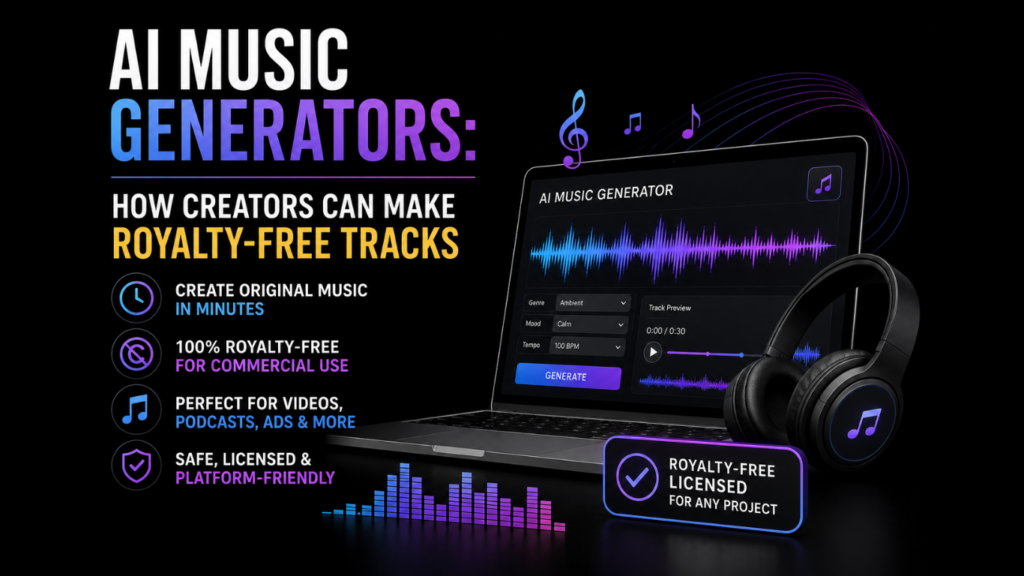
AI music generators can help you create original background tracks in minutes. This guide explains a simple workflow, practical licensing checks, and the criteria that matter when choosing a tool.
What Royalty-Free Really Means, and What It Doesn’t
Before choosing a track, separate price from permission. The license, not the label, tells you where and how you can use the music.
Royalty-Free vs. Free Music
Royalty-free is a license model, not a price tag. It usually means you can use a track multiple times without paying ongoing per-use royalties. The track may still cost money upfront, and it will still have terms you need to follow. “Free” and royalty-free are not the same thing.
Public Domain and Creative Commons
Public domain music can usually be used without permission, but confirm that the exact version you have is actually public domain. A new recording of an old song may still be protected. Creative Commons licenses vary, too. Some allow commercial use, while others do not. NC means NonCommercial, and ND means NoDerivatives. Both can conflict with monetized or edited media.
When you compare license terms across song generator platforms, read beyond a royalty-free label and confirm what each tool says about commercial use, attribution, editing, and platform claims.
Two Copyrights in Music
In the U.S., a song often involves two copyrights: the musical composition and the sound recording. The composition covers the melody, lyrics, and arrangement. The sound recording covers the specific performance captured in the file. When you sync music to video or other media, you may need permission for both.
Where AI-Made Music Fits for Creators
AI-generated music works best when you need flexible background audio rather than a famous song or a highly specific performance.
Social and Short-Form Video
Short loops, stingers, and 15- to 60-second background beds work well under Reels, Shorts, and TikTok clips. You can match the mood of a video without scrolling through hundreds of stock options.
Podcasts and Voiceover
Podcast intros, outros, and segment beds should support the voice, not compete with it. A prompt that asks for a calm, mellow, or low-energy feel can help keep the focus on the speaker.
Ads, Promos, and In-App Moments
Short cues, brand idents, and theme variations can work for ads, product demos, and app interfaces. A five-second logo sting needs a different pace and energy than a 30-second explainer video bed.
A Simple Workflow to Make a Usable Track
Step 1: Define your needs. Decide the purpose, target length, mood, and rough tempo. If you have a reference clip you own or are allowed to use, keep it nearby for comparison.
Step 2: Write a prompt. Include genre, key instruments, tempo feel, structure, energy curve, and duration. Prompt example: Acoustic folk, fingerpicked guitar and light percussion, relaxed feel around 100 BPM, 30 seconds with a gentle fade out.
Step 3: Generate and compare. Create two to four options. Listen to each track against your video, ad, or voiceover. If the tool allows it, regenerate only the section that needs work, such as the intro or ending.
Step 4: Edit and arrange. Trim to length, loop a clean section if needed, and add a button ending or fade. Keep the music below the voiceover so it supports the message instead of covering it.
Step 5: Export and organize. Name files with the version number and duration, such as brand-intro-v2-15s.wav. Save license documents, receipts, and usage notes in the same project folder.
Step 6: Check the platform. Before publishing, confirm the rules for YouTube, TikTok, Twitch, your podcast host, or the ad platform you use. Policies can differ and may change over time.
Picking a Generator: Criteria That Matter
The best tool is the one that gives you enough control, clear rights information, and exports that fit your editing process.
Core Criteria
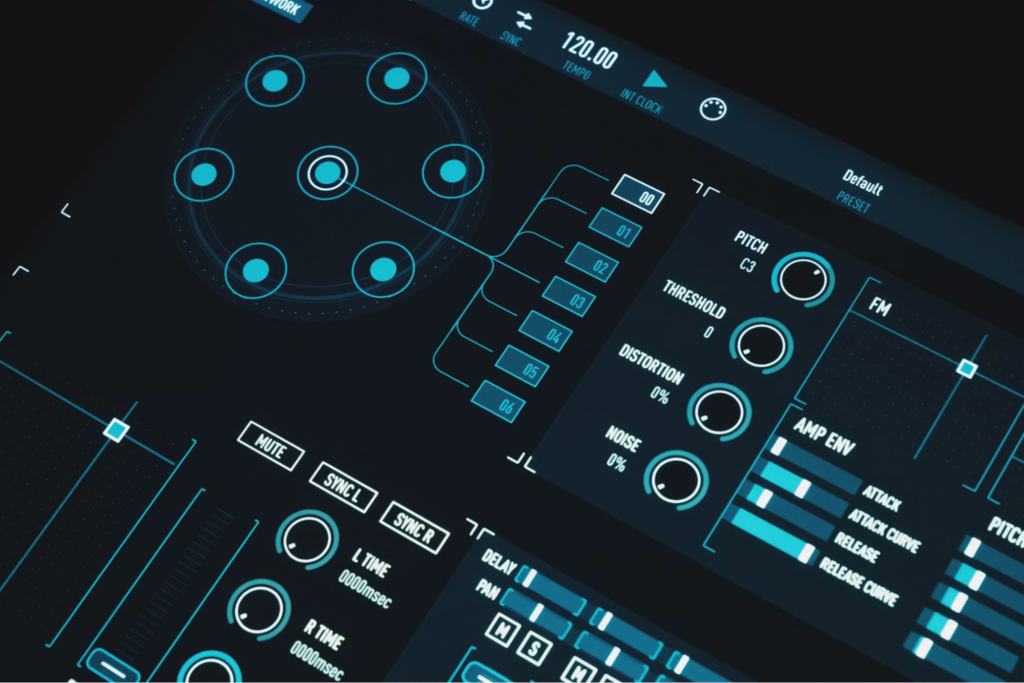
Look for a useful range of styles, control over structure and length, common export formats such as WAV and MP3, and license terms that clearly allow business use. Project organization features, such as folders or tags, are helpful if you create tracks often.
For creators who want to produce vocal or instrumental tracks for videos, podcasts, ads, or games, and keep creative assets together in one project, the AI Music Generator from getimg.ai is one option to compare with other available tools.
Practicalities
Check whether a tool offers stem exports, loop-ready outputs, or easy version history. Clear usage documentation matters, too. If a content claim appears later, you will want proof that your license covers the way you used the track.
Stay Clear of Rights Issues on Major Platforms
Licensing problems often come from small assumptions. Read the license, save proof, and check the rules for the platform before you publish.
Attribution and Creative Commons Pitfalls
If you monetize videos or edit the track, avoid Creative Commons NC and ND licenses unless you have separate permission. Read the full license text, not just a summary. Attribution rules also vary by license.
Content ID and Disputes
A legitimately licensed track can still trigger a YouTube Content ID claim. That does not always mean you did anything wrong. Keep receipts and license records so you can use the dispute process if a claim is incorrect.
Business vs. Personal Features
TikTok’s Commercial Music Library is intended for business accounts, while popular consumer tracks may require separate rights for ads or branded content. Twitch also restricts unlicensed music in streams and VODs. Do not rely on fair use for full tracks unless you have qualified legal advice.
Reminder: This article is informational and does not constitute legal advice. Consult a qualified attorney for questions about your rights and obligations.
Make It Sound Good Without Getting Technical
You do not need deep music theory to get better results. A clear prompt and a simple edit often matter more than advanced settings.
Prompt Tips
Combine genre, mood, pace, and a key instrument. Avoid broad words such as epic without context. Better prompt: Cinematic orchestral, slow build, strings and brass, steady 90 BPM, soft ending for voiceover.
Structure for Dialogue
If music sits under a voiceover, start with a quiet intro, let the energy rise after a hook or transition, and end cleanly. Keep the mix low enough that listeners never strain to hear the speaker.
Reusable Assets
Export 15-second and 30-second cuts alongside the full track. Save loops separately. Shorter versions save time when you need a quick social clip, ad variation, or podcast segment bed.
Save, Tag, and Share with Your Team
Good file hygiene prevents problems later. Use consistent names that include BPM, mood, use case, and version number. Store license receipts and usage notes next to the audio files. These same habits also apply when you manage other AI tools for small-business marketing: document what each asset is, where it came from, and how the team may use it, especially when music supports a larger AI video workflow. Many businesses also rely on AI agents in Marketing to automate content creation, campaign management, and asset organization across multiple digital channels.
Read More: Software Testing Partner Business & Startups in UK and USA
Conclusion
AI music generators can help small teams produce background tracks faster, but the workflow still matters. Define the use case, write a specific prompt, compare options, organize files, and check platform rules before publishing. Over time, this process can help you build a reusable music library with clearer rights records.
FAQs
These common questions can help you check the basics before using AI-generated music in published work.
Can I upload AI-generated music to YouTube?
Yes, if you have the appropriate rights and follow YouTube’s policies. Content ID may still flag the track automatically, so keep your license records and dispute incorrect claims through YouTube’s process.
Do I own music made with an AI tool?
It depends on the tool’s terms and applicable law. The U.S. Copyright Office has said that material generated by AI without human authorship is not protected, though human selection, arrangement, or editing may matter. Read the terms and keep documentation.
Can I use AI-made tracks in client work?
Usually, if the license clearly allows commercial use and use inside a final client deliverable. Check for restrictions on sublicensing, resale, attribution, and transfer of rights before you deliver the work.
How do I avoid accidental copyright issues?
Use tracks with clear commercial permissions, avoid NC and ND licenses for monetized media, check each platform’s current policies, and save proof of your rights in the project folder.