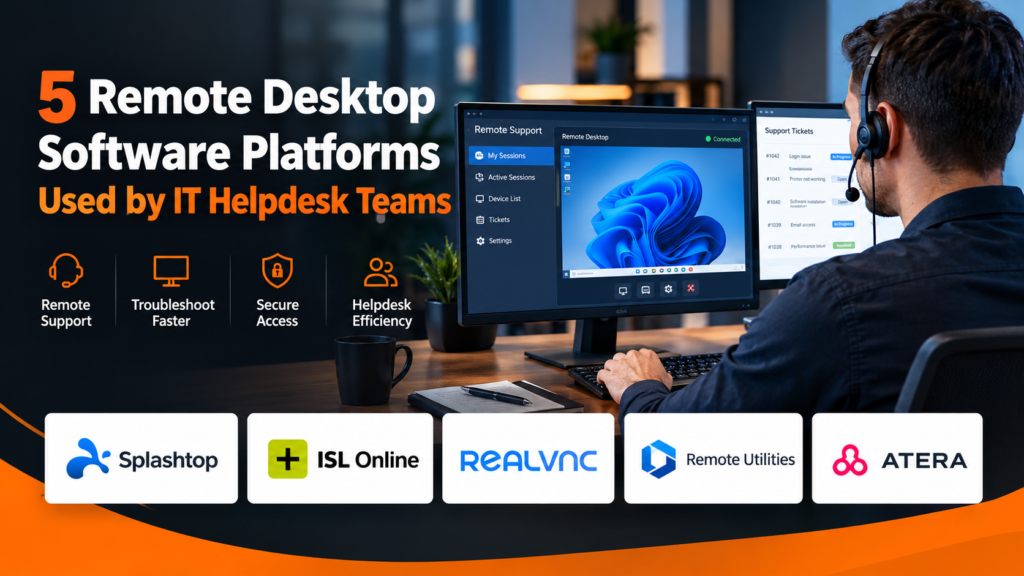
IT helpdesk teams need to diagnose problems quickly, often without being anywhere near the affected computer. Remote desktop software gives technicians direct visibility into a user’s device, helping them investigate errors, adjust settings, demonstrate fixes, and restore productivity without requiring an on-site visit.
The requirements of a helpdesk are different from those of an employee simply accessing an office computer from home. Support teams may need attended and unattended connections, technician permissions, ticketing workflows, session records, multi-device support, and a reliable way to move between cases throughout the day. The following five platforms are presented alphabetically to provide a neutral look at different approaches available to helpdesk operations.
1. Splashtop
Splashtop provides remote desktop capabilities for employees and IT organizations that need to access and support computers across locations. A helpdesk evaluating remote desktop software for helpdesks can consider the platform in relation to attended support, unattended connectivity, user administration, device access, and secure remote sessions.
Helpdesk teams often need both reactive and planned access. An employee experiencing an immediate problem may need to work with a technician during an attended session, while IT personnel may need unattended access for maintenance or troubleshooting outside normal working hours.
Splashtop can also be assessed around how easily technicians move between devices and how administrators control access across a larger support organization. As ticket volumes increase, consistent technician permissions and straightforward device organization become more important.
A representative pilot should include common support scenarios, different endpoint types, remote employees, and multiple technicians. That provides a more realistic view of how the platform fits daily helpdesk operations than evaluating individual features in isolation.
2. ISL Online
ISL Online provides remote desktop and remote support capabilities for organizations that need technicians to assist users across different locations. Its approach supports both attended assistance and unattended access, allowing helpdesk personnel to respond to immediate user problems as well as reach previously configured computers when nobody is present.
Helpdesk integration is another consideration. The vendor’s broader IT service workflow coverage describes an integration that enables technicians to initiate remote desktop sessions from service tickets and automatically associate session details with those tickets.
This type of workflow can reduce repetitive administrative work. If session information can remain associated with the original support request, technicians have a clearer record of how an incident was handled and may spend less time moving information manually between systems.
Teams should also assess technician permissions, authentication, session logging, device support, and deployment requirements before selecting a configuration.
3. RealVNC
RealVNC offers remote access and support capabilities that can accommodate both persistent access to managed devices and on-demand assistance. That distinction is relevant to helpdesks because not every support request involves a computer that IT manages continuously.
Its broader support technology development insights discuss HelpDesk and On-Demand Assist, including the use of one-time codes for users who need immediate support without having remote access software permanently installed beforehand.
An on-demand model can be particularly useful for occasional assistance, BYOD environments, or devices outside the normal managed fleet. Persistent device access, meanwhile, can better suit machines that technicians routinely maintain.
Helpdesk administrators should consider how those connection modes map to their support policies. They should also test how technicians authenticate, how user consent is handled, and what records remain available after sessions end.
4. Remote Utilities
Remote Utilities provides several connection modes for administrators and support technicians. Its Viewer acts as a central interface for managing connections, while its Agent is designed for spontaneous support and can run without installation or administrative privileges.
A recent general remote technology platform review covers the vendor’s connection modes, licensing, settings, and administrative capabilities. The vendor’s blog also describes Viewer as a command center for support technicians and administrators managing address books and remote sessions.
For a helpdesk, the distinction between installed and spontaneous support can affect deployment strategy. IT may want persistent access to managed corporate computers while using an agent-based workflow when employees need assistance on machines that are not regularly administered.
Teams considering this platform should test the workflow from initial support request through connection and resolution. Address-book administration, technician authorization, endpoint compatibility, and the effort required to manage a larger device population should all factor into the decision.
5. Atera
Atera combines IT management functions with capabilities intended to support helpdesk operations. Its environment includes ticketing and remote monitoring and management features, allowing technicians to work with support requests while maintaining visibility into managed devices.
The company’s broader service operations industry perspectives examine how ticketing, automation, customer communication, and RMM can work together in an IT support environment. The resource also discusses moving from a ticket to actions on managed computers, which can reduce fragmentation during troubleshooting.
For helpdesk teams, this integrated approach can be useful when remote control is only one stage in a larger incident workflow. A technician may receive a ticket, review available device information, perform an action remotely, communicate with the user, and document the outcome.
Organizations evaluating Atera should consider whether its broader management model fits their IT environment, especially if they want remote support closely connected with ticketing and endpoint administration.
Design Remote Support Around Helpdesk Workflows
Remote desktop technology should reduce the time required to resolve incidents rather than introduce another disconnected step. Research into changing IT helpdesk workload pressures has highlighted challenges involving ticket volume, diverse devices, and remote users, while also identifying integration and streamlined support processes as ways to improve efficiency.
IT leaders should therefore map the complete support workflow before choosing software. They need to understand how requests enter the queue, how technicians identify affected devices, how remote sessions begin, and how the work is documented afterward.
Attended and unattended support should also be separated according to need. A user actively requesting help may benefit from an approval-based session, while scheduled maintenance can require a different access model.
Make Technician Authentication a Priority
Helpdesk accounts can provide powerful access to employee computers, making identity controls an important part of remote desktop deployment. Organizations should avoid treating technician authentication as a secondary consideration after usability.
Current digital authentication assurance guidance describes authentication as establishing that a subject attempting to access a digital service controls the authenticators associated with the claimed identity. It also addresses different authentication assurance levels and authenticator management.
Helpdesk teams can apply that principle by using individual technician identities, appropriate authentication controls, and permissions aligned with job responsibilities. Access should also be reviewed when technicians change roles or leave the organization.
The best remote desktop platform for a helpdesk is ultimately the one that fits its actual support process. Connection speed matters, but so do security, technician administration, endpoint coverage, user experience, and the ability to keep remote activity aligned with established support workflows.
FAQs
What should help desk teams look for in remote desktop software?
Helpdesks should assess attended and unattended access, technician permissions, device compatibility, security, session visibility, and integration with existing support workflows.
Do helpdesks need both attended and unattended access?
Many teams benefit from both. Attended access suits live user assistance, while unattended access can support maintenance and troubleshooting when nobody is present.
Why are technician permissions important for remote support?
Technicians may receive powerful access to employee devices, so permissions should limit each account to the systems and actions required for its responsibilities.