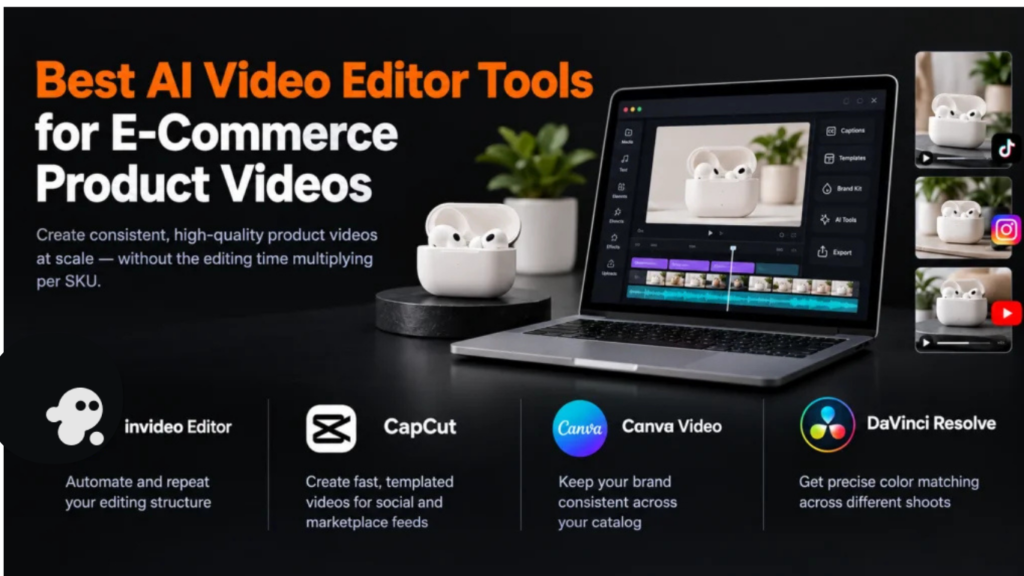
E-commerce product video has a specific scale problem most other video work doesn’t: it’s rarely one video, it’s dozens or hundreds across a catalog, each needing the same clean, conversion-focused treatment, often reformatted for different marketplace and platform requirements. The right editor for this job isn’t the one that makes the single best-looking video, it’s the one that keeps that quality consistent across real volume without multiplying the editing time per SKU.
Comparison table
| Tool | Best for | E-commerce-specific fit | Starting price |
|---|---|---|---|
| Invideo Editor | Turning raw product footage into a finished listing video repeatably, at no cost per video | Agentic Assembly automates the repetitive first cut for each new product | Invideo Editor’s timeline, including its captions and localization tools, is free to use. For a invideo agent’s plans start at $17/month, with team and enterprise options also available. |
| CapCut | Fast, templated product videos for social and marketplace feeds | Templates apply the same treatment quickly across many products | Free; ~$9.99–19.99/month |
| Canva Video | Product videos matching a store’s existing brand kit across a catalog | One shared brand kit keeps every product video visually consistent | Free tier; ~$12.99–15/month |
| DaVinci Resolve | Color-consistent product footage across a catalog shot under different conditions | Free, professional-grade color matching across many separate shoots | Free; Studio $295 one-time |
1. Invideo Editor
Producing a new listing video for every SKU in a catalog, each starting from its own raw product footage, is exactly the repetitive task Invideo Editor’s Agentic Assembly is built to remove: describe the video structure once, product reveal, feature highlight, closing shot, and apply that same plain-language description to each new product’s footage, letting the system review and assemble a base cut automatically rather than an editor manually repeating the same steps for every item.
It’s a professional, browser-based AI video editor doing the same drag, trim, cut, and layer work any editor supports, while also taking agent instructions on the same timeline, so a note like “swap this product angle” or “extend this feature shot” edits in place for a specific video without disrupting the rest of the catalog’s consistent treatment. It’s free to use, which matters directly at catalog scale, since a per-video cost adds up fast across dozens or hundreds of SKUs.
Best for: applying the same fast, consistent editing structure across many product videos without a per-video cost.
Where it falls short: it isn’t a dedicated color-critical finishing suite for a catalog specifically needing the deepest, most precise cross-shoot color matching.
Pricing: Invideo Editor’s timeline, including its captions and localization tools, is free to use. For a project that also wants invideo agent’s AI generation, to produce original shots or scenes alongside the captioned footage, those plans start at $17/month, with team and enterprise options also available..
Related Aricles: invideo vs. Pictory: Script-to-Video vs. Agentic Filmmaking
Related Aricles: invideo vs. HeyGen: Multi-Shot Video vs. Avatar-Led Content
2. CapCut
For product video destined for social feeds and marketplace listings that favor short, fast content, CapCut’s templates apply a consistent visual treatment quickly across many products, with auto-captions and trend-aware effects handling a lot of the polish automatically.
Best for: fast, templated product videos across a catalog, formatted for social and marketplace feeds.
Where it falls short: its AI features draw from a metered credit pool, and it isn’t built around assembling raw, unorganized product footage the way a first-pass assembly tool is.
Pricing: free tier; Standard ~$9.99/month; Pro $19.99/month or $179.99/year.
3. Canva Video
A store that already manages its catalog imagery and branding in Canva gets real consistency benefit from keeping product video in the same platform, since one shared brand kit, colors, fonts, logo placement, applies automatically across every product video rather than needing to be manually matched video by video.
Best for: keeping a large catalog’s product videos visually consistent with an existing Canva-managed brand identity.
Where it falls short: its AI video generation produces short, independent clips with no persistent memory across generations, and it isn’t built around assembling existing multi-take product footage.
Pricing: free tier (5 lifetime AI video clips); Pro ~$12.99–15/month.
4. DaVinci Resolve
A catalog shot across different sessions, lighting setups, or even different photographers inevitably picks up color inconsistencies between products, and DaVinci Resolve’s free, professional node-based grading can match that footage precisely, giving a full catalog the same consistent look regardless of how differently each product was originally shot.
Best for: precise color matching across a catalog’s product footage shot under genuinely different conditions.
Where it falls short: its grading workflow has a real learning curve, which matters for a team without time to invest in learning it across a large catalog.
Pricing: free version fully capable; Studio $295 one-time.
Which one should you use
- Applying the same fast, consistent edit across many products for free → Invideo Editor
- Fast, templated videos for social and marketplace feeds → CapCut
- Catalog-wide consistency with an existing brand kit → Canva Video
- Precise color matching across footage shot under different conditions → DaVinci Resolve
Conclusion
The real challenge in e-commerce product video isn’t producing one good video, it’s producing the same quality repeatedly across a full catalog without the editing time multiplying per SKU. Invideo Editor addresses that directly, letting the same plain-language structure apply to each new product’s footage at no per-video cost. CapCut and Canva Video trade some of that repeatable-structure depth for speed and existing brand-kit integration, and DaVinci Resolve solves the specific problem of a catalog shot under inconsistent conditions needing to look like one coherent collection. Which combination fits depends on how much of the catalog’s volume needs true per-video consistency versus how much just needs to ship fast.