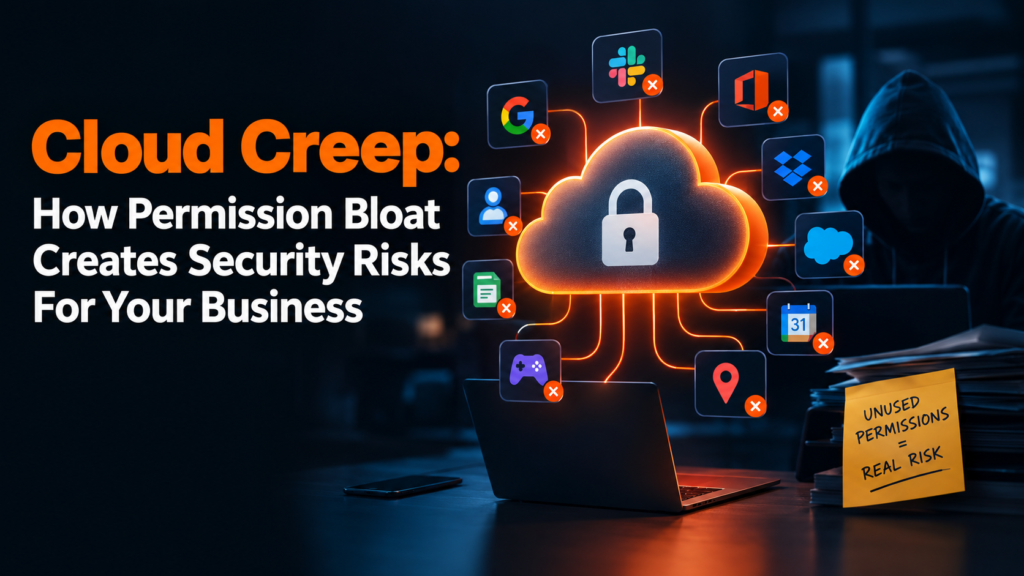
Imagine hiring a bi-weekly house cleaner who, months after the end of their contract, still keeps a copy of your front door key, and they use it occasionally just to snoop around your home. To protect your privacy, you’d probably change the locks immediately, probably give the worker a stern warning, and that would be the end of it. But right now, the same thing is happening in your workplace as devices with dozens of old apps and cloud accounts are creating massive privacy risks. This is what’s known as Cloud Creep, which is the silent and steady accumulation of unused permissions that exposes your sensitive data long after you’ve stopped using an app or digital platform.
A hacker attack and cloud creep can both cause cybersecurity breaches that lead to financial losses, but unlike the former, cloud creep happens much more slowly over time. A fun gaming app downloaded two years ago onto a work phone can still track the user’s location, while a forgotten digital planner can keep syncing with your corporate calendar. According to Microsoft’s State of Cloud Permission Risks Report, 90 percent of cloud entities are using less than 5 percent of the permissions they’ve been granted, and every unused permission becomes an open doorway where threat actors can walk through. Here’s how permission bloat creates security risks, and what you can do to protect your business from the dangers of excess access rights in cloud environments.
Privilege Creep
Privilege creep is a common occurrence in companies as it takes place in different ways. For instance, to address faulty systems, software vendors may need temporary access for quick fixes or weekend migrations. Giving them access won’t do any harm, but if it isn’t revoked after repairs are done, then that creates risks for your employees and the business itself. Every active account is a potential entry point for hackers, and leaving vendor accounts active indefinitely can give malicious actors more opportunities to take advantage of this oversight.
Poor offboarding practices can also create security gaps since it leaves behind open accounts that former employees can exploit. A new research shows that 31 percent of former employees still have company access to their old workplaces’ SaaS applications, and this can potentially expose businesses to financial extortion and brand damage.
To proactively protect their digital identities, businesses should use an Identity Security Posture Management (ISPM) tool since it maps out access paths and flags over-privileged accounts. By eliminating unnecessary privileges, this tool can limit the impact radius if an account is compromised. No idea what to look for in an ISPM tool? Look for one that has a universal discovery feature so it can find human users and service accounts across cloud and SaaS environments. It should also have the ability to flag suspicious behavior, such as MFA removal, and it should be able to remove toxic permissions immediately once it finds them.
The Machine Identity Explosion
Cloud environments are filled with non-human identities (NHI) like APIs, automated servers, and AI agents, and these frequently require cross-service permissions which can potentially expand the attack surface. For example, if an employee builds an internal AI workflow or agent tied to business databases, the AI agent will keep running with standing access even after the employee leaves the company. Meanwhile, connecting apps via online automation tools can spawn OAuth tokens and API keys, leading to continuous accumulation of multi-app permissions. This means that just one stolen credential can grant instant access to all connected apps, and AI tools with excess permissions can rapidly leak data via jailbreaking or prompt injection.
To effectively control and eliminate NHI sprawl, companies should integrate discovery mechanisms into their systems to continuously find and map every machine identity and AI agent in cloud and hybrid environments. Every discovered credential or token should be assigned to a designated staff member to prevent orphaned access paths. Also, all unused permissions should be automatically revoked within a 30 to 90-day window, and mandatory expiration dates should be enforced on all machine credentials so that permissions will automatically expire.
Protect your business from the consequences of invisible accumulation of access rights. Prevent cloud creep to avoid compromising your entire cloud system, and regularly audit your infrastructure to keep malicious actors locked out while growing your brand.