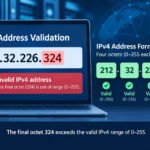
You share a video link, someone saves it, passes it to a colleague, embeds it on a website you have never heard of, and watches it six months after you meant it to stop working. And you find out about none of this, this is because the platform you used gave you no way to stop it.
That is not a hypothetical. It is the default behavior on most video hosting platforms, and it is the problem that the best video hosting with expiring links is specifically built to solve.
The link you generate today keeps working tomorrow, next month, and next year unless you manually take the video down.
And if someone has already embedded it on their site, pulling the video hurts your own distribution too.
Two specific features change this equation: expiring links and domain restriction. Together, they give you a precise time window for access and a defined list of websites where playback is permitted.
Whether you are protecting a paid course, a confidential client demo, or a gated webinar replay, these two controls belong in any serious video hosting setup.
This article compares five platforms with native support for both: Gumlet, Cloudflare Stream, Mux, VdoCipher, and SproutVideo.
Key Takeaways
- Expiring links (also called signed URLs or tokenized URLs) are time-limited video playback links that stop working after a set TTL (time-to-live) window closes.
- Domain restriction (also called referrer restriction or domain whitelisting) ensures your video only plays on the websites you have approved.
- All five platforms in this article support both features, but they differ significantly on dashboard accessibility versus API-only configuration.
- Gumlet and SproutVideo are the strongest options for teams that need both controls without writing custom access logic.
- Cloudflare Stream and Mux are more powerful for engineering-led teams building custom video pipelines.
- VdoCipher is the right choice when DRM is a hard requirement alongside link expiry and domain restriction.

What Are Expiring Links and Domain Restriction?
These two features often get lumped together under “video access control,” but they operate on different dimensions of security.
Understanding what each one does, and why neither one alone is enough, matters before comparing platforms.
Signed URLs
An expiring link, often called a signed URL or tokenized URL, is a video playback link that includes a cryptographic signature and an expiry timestamp. The hosting platform checks both values before serving any content. Once the TTL (time-to-live) window closes, the link returns an error for anyone who tries to use it, regardless of whether they have watched the video before.
This is different from deleting the video. The file stays hosted. The access window simply closes. A signed URL can be configured for 15 minutes, 24 hours, seven days, or any duration your use case requires.
Domain Restriction
Domain restriction, also called referrer restriction or domain whitelisting, is a setting that limits where your video can be played. When you whitelist a domain, the video player checks the referrer header of every playback request.
If the request originates from a domain outside your approved list, the video refuses to load at the CDN level, before a single frame is delivered. This prevents hotlinking, unauthorized embedding, and content theft through iframe scraping.
The reason both controls matter together is straightforward. A time-limited playback link without domain restriction can still be embedded on any website during its active window. A domain-locked video with a permanent link can still be accessed and shared indefinitely from within your approved site.
Combining a time-sensitive access token with a domain whitelist closes both gaps simultaneously, giving you control over when and where your content is accessible.
How We Compared These Platforms
Each platform was evaluated on four criteria.
- TTL flexibility: whether the expiry window is a fixed preset or a fully custom duration configurable per link or per video. This distinction matters for workflows where access windows vary by use case: a 15-minute demo link and a 7-day client review window require different configuration options.
- Domain whitelist depth: whether the platform supports a single approved domain or a full list, and whether subdomain handling is explicit or has to be configured separately per entry.
- Configuration access: whether both controls are available through a dashboard interface usable by non-technical team members, or locked behind API integration and backend developer work. This determines which team can actually operate the feature day to day.
- Pricing tier: at which plan level expiring links and domain restriction are unlocked. Several platforms restrict access control features to higher-cost tiers, which changes the real cost of entry.
Video Hosting Platforms Feature Comparison at a Glance
| Platform | Expiring Links | Domain Restriction | DRM | Access Method | Starting Price |
| Gumlet | Yes (signed URLs, custom TTL) | Yes (multiple domains, allowed referrers) | Yes (Widevine + FairPlay) | Dashboard + API | Free plan; paid from $25/month |
| Cloudflare Stream | Yes (signed tokens, custom TTL) | Yes (allowed origins) | No (AES encryption only) | API-first | $5/1,000 minutes of Video Storage |
| Mux | Yes (signed playback tokens, custom TTL) | Yes (allowed domains via policy) | No | API-first | Pay-as-you-go (usage-based) |
| VdoCipher | Yes (time-limited OTP URLs) | Yes (domain whitelisting) | Yes (Widevine + FairPlay) | Dashboard + API | $49/month |
| SproutVideo | Yes (expiring video links, configurable) | Yes (domain embed restrictions) | No | Dashboard | $10/month |
Here is what each of those entries means in practice:
1. Gumlet
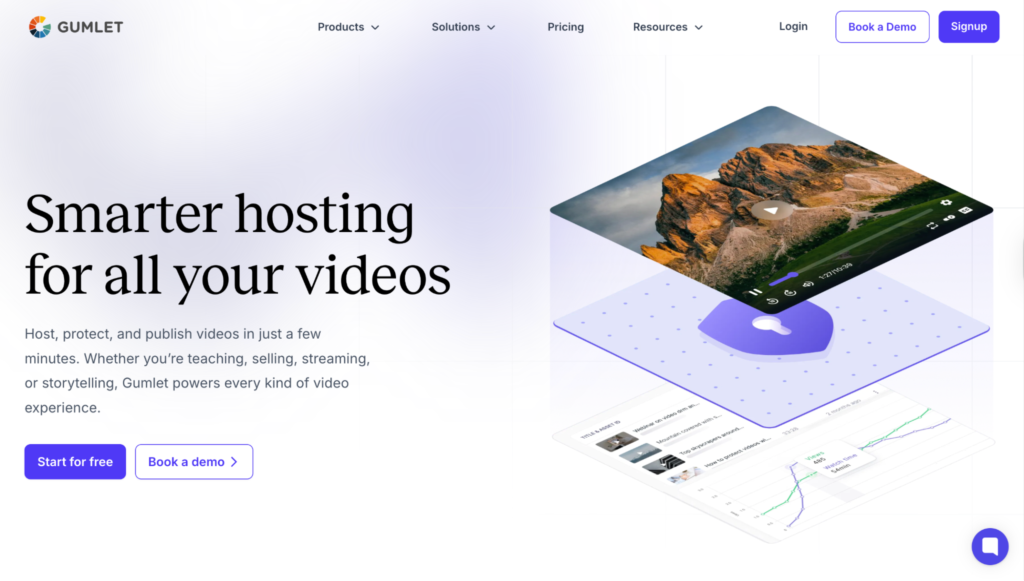
Gumlet is a video hosting platform built for businesses, SaaS teams, and educators that need controlled video delivery without building a custom access layer.
Its approach to link security sits inside a broader set of video protection features that treats allowed referrers, expiring tokens, DRM, and dynamic watermarking as a single integrated stack rather than separate settings you configure independently.
The result is a three-layer access control model: a time-limited access layer built on HMAC-signed URLs, a domain-locked delivery layer enforced at the CDN before any content is served, and a device-level encryption layer backed by Widevine and FairPlay DRM.
Expiring Links
Gumlet generates signed URLs with HMAC-based cryptographic signatures. Each playback link carries a configurable expiry timestamp, and the platform validates the signature server-side before any content is served.
Once the TTL window passes, the URL stops working entirely, even for viewers who have accessed the video before. The expiry duration is fully configurable from the dashboard, which means non-technical users can set up time-sensitive video sharing without writing any code. The same signed URL functionality is available via API for teams generating links programmatically as part of a membership or authentication workflow.
Domain Restriction
Any domain added to the whitelist is permitted to load the video player. Any embed request from a domain outside that list is rejected at the CDN level before playback begins. Multiple domains can be whitelisted per video or applied at the collection level.
The setting also works for iOS and Android apps, where the app bundle ID can be added as an allowed referrer.
For teams building a structured approach to private video hosting across web and mobile, this covers most real-world scenarios without requiring custom access logic.
Best For
Course creators, SaaS product teams, and membership platforms that need expiring links and domain restriction available from one dashboard without developer involvement. Teams that also need DRM (Widevine and FairPlay) as a third security layer will find it native to the same platform, which reduces configuration overhead compared to tools that require a separate DRM integration on top.
2. Cloudflare Stream
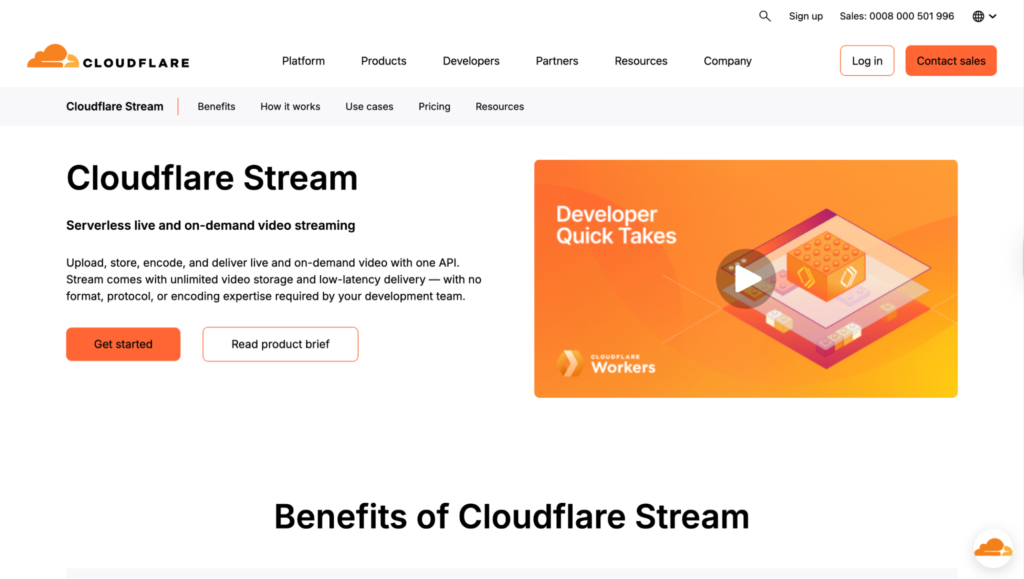
Cloudflare Stream is a video infrastructure product built on Cloudflare’s global CDN network, designed primarily for engineering teams that want developer-grade access control baked into a high-performance delivery layer.
It handles transcoding, storage, and adaptive HLS streaming as a unified service, with video access control implemented through Cloudflare’s standard token model.
Expiring Links
Cloudflare Stream uses signed tokens in JWT (JSON Web Token) format with configurable TTL. The expiry duration is encoded in the token at the time it is generated via API. When the timestamp passes, the Cloudflare playback endpoint rejects the token and returns an error.
There is no dashboard interface for creating per-video time-limited links. Token generation is a developer operation, which means this feature is not accessible to non-technical team members without a custom internal tool built on top.
Domain Restriction
Cloudflare Stream supports allowed origins, a whitelist of domains permitted to load the player. Any playback request from an unlisted origin is rejected. Multiple origins can be specified, and the setting is configured at the video or account level via the API.
Best For
Engineering teams already operating within the Cloudflare ecosystem who want lightweight, scalable video delivery with token-based access control. Not a suitable choice for marketing or content teams who need a dashboard-driven workflow without developer support.
3. Mux
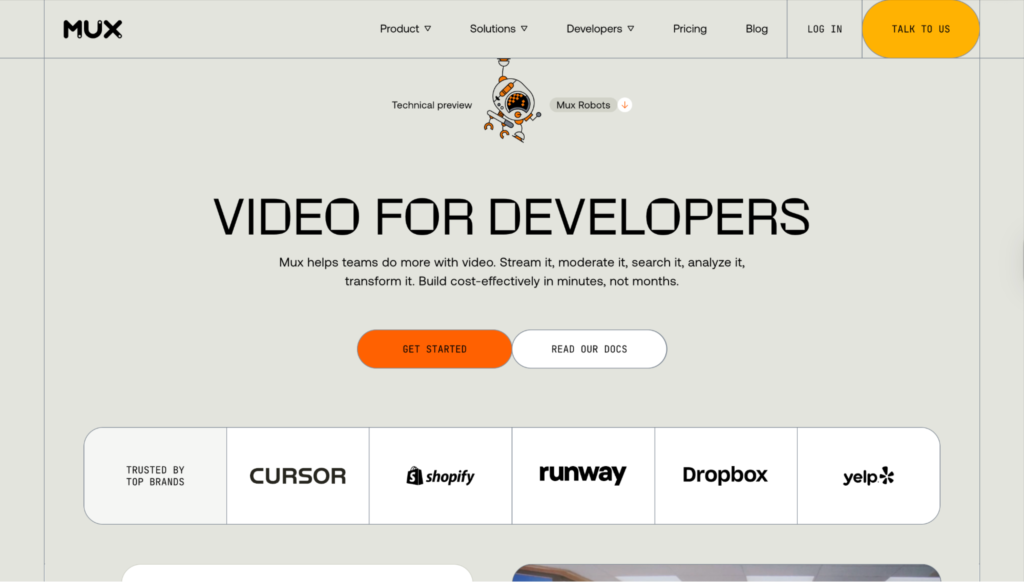
Mux is a video infrastructure API built for developers constructing custom video experiences. It handles encoding, storage, adaptive bitrate HLS streaming, and delivery, with video access control available through a signing key system that engineering teams configure on their own backend.
Expiring Links
Mux supports signed playback tokens with configurable TTL. When signing is enabled on a Mux asset, the playback URL requires a valid, unexpired token to return content. The token is generated using a Mux signing key pair, with the expiry encoded as a standard JWT claim.
In practice, this means Mux checks a cryptographic signature and a timestamp on every playback request, and rejects anything that is expired or unsigned before any video data is returned.
Expired or unsigned requests are rejected at the delivery layer. Like Cloudflare Stream, this is an API-first operation with no dashboard UI for generating per-video time-limited links.
Domain Restriction
Mux allows domain restrictions through its playback policy configuration. When a video requires a signed token, permitted playback domains can be included as claims within the token itself. In simple terms: a single signed token carries both the expiry window and the approved domain list, and Mux validates both on every playback request.
This means domain restriction and link expiry are enforced together through the same token structure, which is architecturally clean for custom-built players but requires deliberate backend implementation upfront.
Best For
Product engineering teams building custom video players or streaming applications who want maximum control over their access logic and are comfortable generating and validating tokens on their own server.
4. VdoCipher
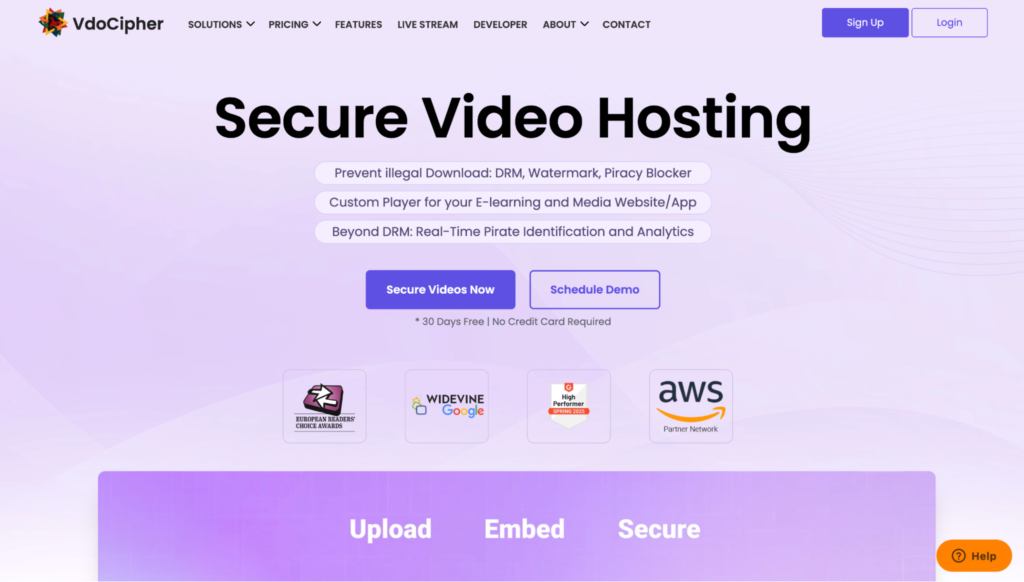
VdoCipher is a secure video hosting platform with a strong focus on the education and e-learning market.
It treats DRM-backed delivery as a core product principle, and its approach to temporary video access reflects that: links are designed to be single-use and discarded, not saved and reshared.
Expiring Links
VdoCipher uses OTP URLs (one-time playback URLs) with configurable expiry. Each OTP is generated via API and expires after the defined time window. The token is also invalidated after a single successful playback request, which makes this stricter than a standard TTL-based signed URL.
Even within the active time window, the link cannot be reused after a viewer has started watching. This model works well for platforms where each user session should generate a fresh, disposable access link tied to a specific user account.
Domain Restriction
VdoCipher includes domain whitelisting that restricts video playback to approved domains. The whitelist is managed from the dashboard, and requests from domains outside the list are blocked before the video loads.
The combination of OTP URLs, domain whitelisting, and Widevine plus FairPlay DRM gives this platform one of the more layered access control setups in the group.
Best For
Online course creators and EdTech platforms that need DRM protection alongside link expiry and domain restriction. The OTP model is particularly well-suited to scenarios where content access should be tied directly to individual user sessions.
5. SproutVideo

SproutVideo is a video hosting platform designed around the idea that privacy controls and engagement analytics should not require a developer to set up.
Its access control features are built to be usable directly from the dashboard, making it the most accessible option in this comparison for non-technical teams.
Expiring Links
SproutVideo allows users to generate video links with a configurable expiry directly from the video settings panel. The expiry duration is set at the time of sharing, and once the window closes, the link returns an access error for anyone who tries to use it.
No API integration is needed, and no token generation logic has to be written on a backend. For teams that regularly share time-sensitive video links, such as client reviews, sales demos, or limited-access previews, this is one of the most friction-free implementations in the group.
Domain Restriction
SproutVideo embed restrictions let users limit video playback to specific domains from within the dashboard. Videos embedded on any domain outside the approved list will not load.
The setting is managed entirely through the UI, consistent with SproutVideo’s overall approach of keeping access control accessible without engineering support.
Best For
Marketing teams, agencies, and small businesses that need expiring links and domain restriction available through a clean interface without custom code. SproutVideo does not offer DRM, so it is not the right fit for high-value content where preventing downloads at the device level is a firm requirement.
Read More: 10 Best AI SEO Agencies to Consider for Your Business
How to Choose the Right Platform
The decision comes down to two factors: how much technical resource you have available, and whether DRM belongs in your security layer alongside link expiry and domain restriction.
For teams without engineering support who need both controls available in a dashboard today, SproutVideo and Gumlet are the most practical starting points.
For teams with engineering resources building custom video pipelines, Cloudflare Stream and Mux offer the most infrastructure flexibility.
If DRM is a non-negotiable requirement on top of time-limited video links and domain-locked playback, Gumlet and VdoCipher are the only two platforms in this list that include all three natively in one stack.
Look for a host that gives you control over link lifespan, playback domains, and access windows. These features should come standard, not as add-ons.
Frequently Asked Questions
1. What is a signed URL for video hosting?
A signed URL is a time-limited video playback link that includes a cryptographic signature. The hosting platform checks the signature and expiry timestamp before serving any video content. Once the TTL window closes, the same URL fails to load for anyone who has it, including viewers who previously accessed the video.
2. What is domain restriction in video hosting?
Domain restriction, also called referrer restriction or domain whitelisting, is a setting that limits video playback to approved domains only. If someone copies a video embed and places it on an unauthorized website, the video player refuses to load. The block is enforced at the CDN level before any video data is delivered, which means it cannot be bypassed from the browser.
3. Can expiring links and domain restriction be used at the same time?
Yes. All five platforms in this article support both controls simultaneously. Expiring links control the time window during which a video is accessible. Domain restriction controls which websites can load and play that video. Using both together creates a layered access control setup: the playback token only works within its active window, and only from your approved domain.
4. Which video hosting platforms offer expiring links without a developer?
SproutVideo and Gumlet both offer expiring video links and domain restriction through a dashboard interface with no API access or custom code required. Cloudflare Stream and Mux require API integration to generate expiring tokens. VdoCipher sits between the two: its OTP URL system is API-based but comes with detailed documentation and is straightforward to implement with minimal backend setup.