AI video technology empowers creators to turn simple concepts into captivating footage with unprecedented speed and creativity. Many of these tools also function as an AI clip maker, allowing creators to quickly generate short, engaging video clips for platforms like YouTube Shorts and social media.
Early adoption of an AI Video Generator unlocks professional results, placing powerful tools right at your fingertips for seamless production.
Why AI Video Dominates Content Creation
AI video automates the tedious tasks of animation‚ editing, and effects‚ so you can focus on telling your story․
Marketers‚ educators, and social media creators of every kind use it to create deeply engaging videos that make an immediate impact․
This is made possible by employing AI to take care of the tedious parts of the process (like audio synchronization‚ transitions‚ etc․)‚ and by producing videos that feel both polished and personal without expensive hardware or skills․
Top 10 Strategies to Master AI Video
Dive into proven techniques that elevate your output from basic clips to viral masterpieces.
These steps draw from real-world successes, emphasizing precision and innovation.
1. Perfect Your Prompts for Exact Results
Start with detailed descriptions in your inputs, specifying camera angles, lighting, and pacing.
Phrases like “slow zoom on a misty forest at dawn” guide the system to deliver vivid, tailored scenes every time.
Refine iteratively by tweaking one element at a time, watching quality soar with minimal effort.
2. Ensure Character Consistency in Series
Maintain uniform looks across multiple clips by referencing initial designs.
This builds believable narratives, perfect for brand stories or episodic content where continuity matters.
3. Sync Audio and Visuals Effortlessly
Layer natural-sounding narration, music, and effects directly into the generation process.
Immersive sound design turns flat visuals into dynamic experiences that hold viewers longer.
4. Scale Personalization for Broader Reach
Adapt videos for different audiences by swapping variables like language or style.
One base prompt yields countless variants, maximizing impact across regions or demographics.
5. Animate Stills into Living Stories
Breathe life into photos with subtle motions, like rippling water or swaying leaves.
This technique transforms static images into mesmerizing shorts ideal for social feeds.
6. Craft Hooks for Instant Virality
Design openings that grab attention in seconds, think dramatic reveals or unexpected twists.
Short-form platforms reward this approach with exponential shares and views.
7. Add Interactive Layers for Engagement
Embed choices, quizzes, or branching paths that let viewers shape the story.
This boosts time spent and encourages replays, turning passive watchers into active participants.
8. Visualize Abstract Concepts Clearly
Break down tough ideas, like scientific processes or historical events, into flowing animations.
Viewers grasp complexity faster through motion than words alone.
9. Blend AI with Human Polish
Use generated clips as a foundation, then refine manually for emotional depth.
This hybrid method ensures authenticity that pure automation can’t match. Tools that let you edit videos with prompts in the same interface where you generated them keep that hybrid workflow tight, since small refinements can be requested in chat instead of reopening a separate editor.
10. Explore Pixel Dojo for Advanced Techniques
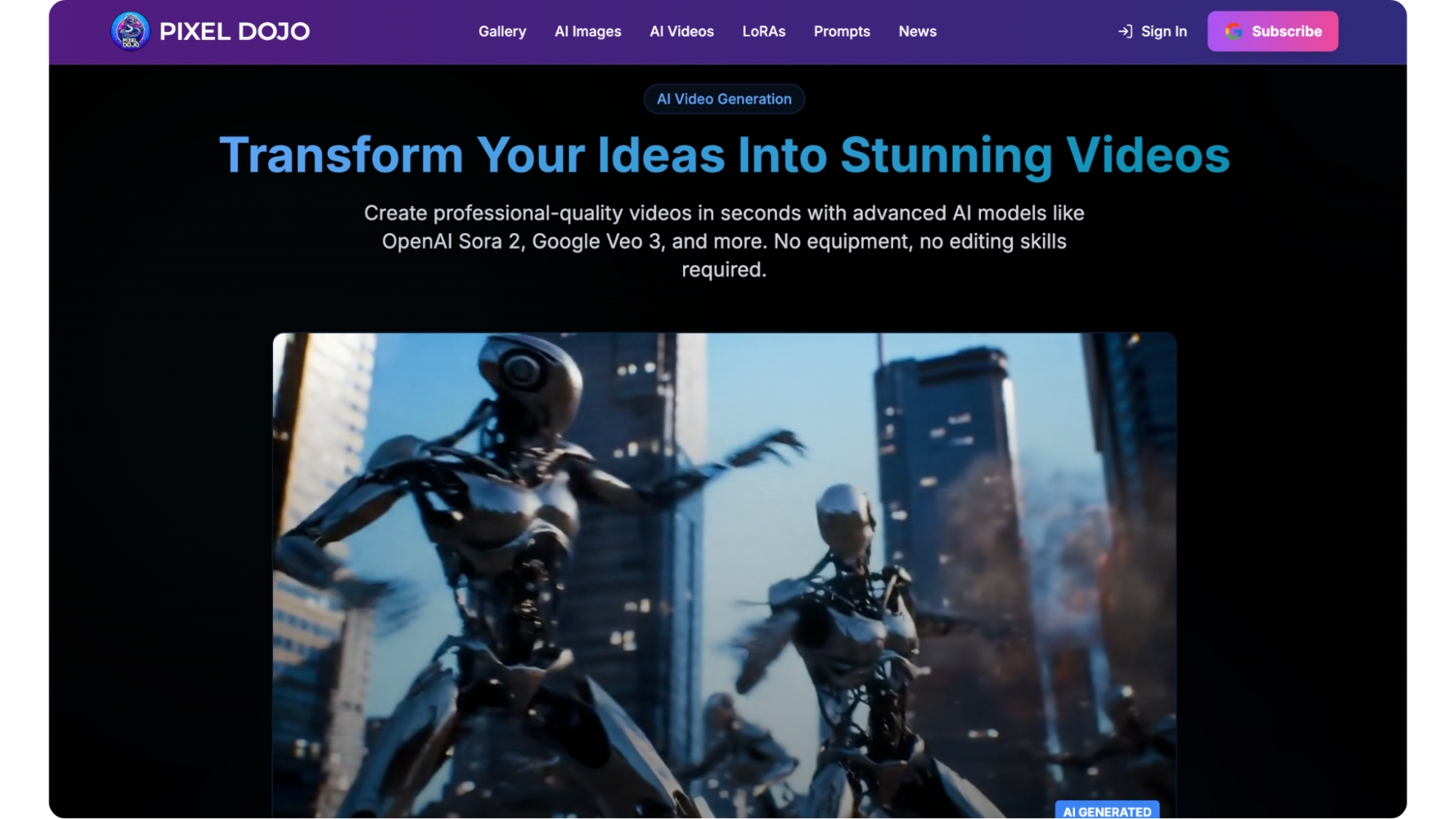
Platforms like Pixel Dojo offer specialized training to sharpen your skills, helping you push creative boundaries further.
Key Trends Shaping AI Video’s Future
Where creative direction exceeds production value‚ creators will favor consistent characters and branded content first‚ multimodal tools that integrate text‚ image‚ and audio inputs over suites with hours-long rendering times․
Personalization is easy․
You can mass-produce videos for specific subcultures․
Transformations and aesthetic evolutions drive short-form virality‚ taking up space in feed simply by being easy to share․
Surreal dreamscapes and music-based visuals are combined with art and technology to create a hypnotic experience․
Voice‚ motion, and architecture will be tightly integrated and intermingled into a single experience․
Real-World Applications Across Fields
In advertising‚ AI video creates targeted campaigns‚ tailoring messages to an audience’s individual tastes and helping them to buy․
In education‚ biology and history and other subjects are made more interesting․
Social creators can use short quizzes or beauty makeovers to be favored by algorithms‚ while e-commerce companies use 15-second interactive product tours to help viewers visualize products․
Corporate education, too, is using scenario-based videos to place people into these environments to address the challenges․
Every use case points to the speed with which AI scales․
Overcoming Hurdles in AI Video Production
Other common failure modes, like erratic movement or audio mismatches, can be resolved by careful prompting and hybrid edits․
Test edits in batches and analyze retention statistics․
Take ethical considerations into account when designing your prompt․
Start small‚ like creating a simple animation from a single static image․
Build up from there․
Advanced Tips for Pro-Level Output
Prioritize a custom character series and use interactive audio hooks․
Experiment with platform aspect ratios and responsive layouts for consistency across devices․
Analyze completion rates to find out what works and what doesn’t․
Limit layers‚ aiming for realism while revealing key details of the narrative․
Building a Sustainable AI Video Workflow
The more you practice‚ the better you become․
Experiment with prompts every day for exponential gains․
Memorize references and templates‚ streamlining repeatable quality․
Base generations for others to add their own takes‚ allowing the continuation of high-volume production without over-exerting creators․
Read More: Beyond the Prompt: Engineering Repeatable Workflows with Image to Video AI
Unlocking Endless Creative Possibilities
AI video means anyone can make a movie‚ and can make it viral․
From short films to enterprise explainer videos‚ the possibilities are endless․
Master these techniques to create content that attracts and engages‚ giving you an edge in an increasingly visual communications landscape․
Frequently Asked Questions (FAQs)
1. What makes AI video technology so powerful for creators?
AI video technology automates the more complex tasks of animation‚ editing‚ transitions, and audio syncing‚ and makes it easier for the creator to focus on the content‚ i․e․ the story and the message‚ resulting in faster production and professional quality at a lower cost․
2. How can I improve the quality of AI-generated videos?
The best way to optimize for output is to include as much detail in your prompt as possible‚ like camera angle‚ lighting quality‚ pace‚ mood‚ and scene description․
Additionally‚ iteratively improving one aspect of the scene at a time yields better‚ more accurate‚ aesthetically-pleasing results․
3. Can AI video tools maintain character consistency across multiple videos?
Yes․ Many AI video workflows allow creators to base outputs on original designs or prompts to ensure consistency from scene to scene․
It can be especially useful for branded content‚ episodic storytelling‚ and social campaigns․
4. What industries benefit most from AI video creation?
AI video is used for marketing‚ education‚ social media‚ e-commerce, and corporate learning․
Companies use it to create personalized video advertisements‚ educators use it to generate animated videos for learning‚ creators to produce viral short-form videos‚ and brands to create product demonstrations and tutorials․
5. What are the biggest trends shaping the future of AI video?
Trends include mass customizable video generation‚ multimodal text/image/audio workflows‚ short viral videos‚ surreal artworks‚ and deeper integration of voice‚ movement‚ and storytelling into large-scale and all-in-one AI video production pipelines․