Restricting someone on Instagram is one of the most misunderstood privacy tools on the platform. Many users assume it completely hides their activity, but that is not the case. If you’re trying to manage your visibility or understand how to view someone’s Instagram activity, you need to know exactly what does restricting someone on Instagram do, and what it does not do.
Restriction can limit unwanted interactions, but it does not give you full privacy. Some users prefer additional tools such as a private story viewer for safer browsing. In this guide, we break down everything restriction changes, everything it still allows, and why some users turn to private Instagram viewer apps for stronger anonymity.
What Does Restricting Someone on Instagram Actually Mean?
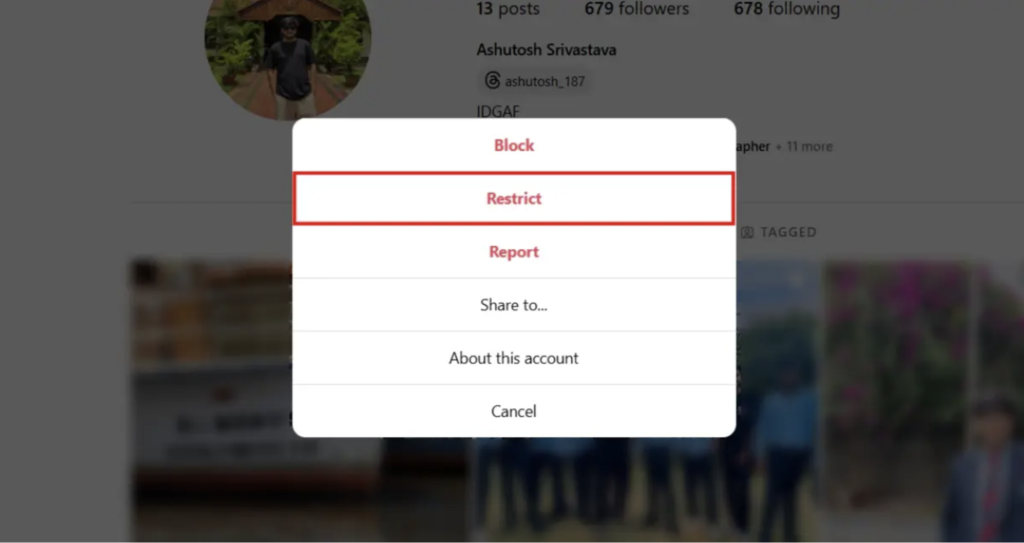
Restricting someone is a softer alternative to blocking. When you block someone, they instantly lose access to your profile. When you restrict them, Instagram hides your interactions from them without making the restriction obvious.
Restriction affects:
- How they interact with you
- How their messages appear
- How their comments display
- What they know about your online presence
What Changes When You Restrict Someone? (Detailed Breakdown)
Restriction changes multiple parts of your Instagram experience. Here’s how it works:
Your Activity Appears Hidden
- They cannot see when you’re online.
- They cannot see your Active Now status.
- They cannot see when you read messages.
Their Comments Are Partially Hidden
Restricted individuals can still comment, but:
- Only you and the commenter see the comment.
- Other users do not see it until you approve it.
- You can ignore or delete it privately.
Messages Go Into a Hidden Folder
- Messages move to Requests.
- You can read messages without showing “Seen.”
- They cannot tell if you are ignoring them.
No Notification
Instagram does not notify the person when you restrict them.
What Does Restricting Not Hide?
Restriction is not a full privacy setting. A restricted user can still view:
Content They Still Access
- Your posts
- Your comments on public accounts
- Your profile picture
- Your bio
- Your Highlights and Stories
- Your activity visible to followers
- Your tagged posts
Restriction vs Blocking vs Removing vs Muting
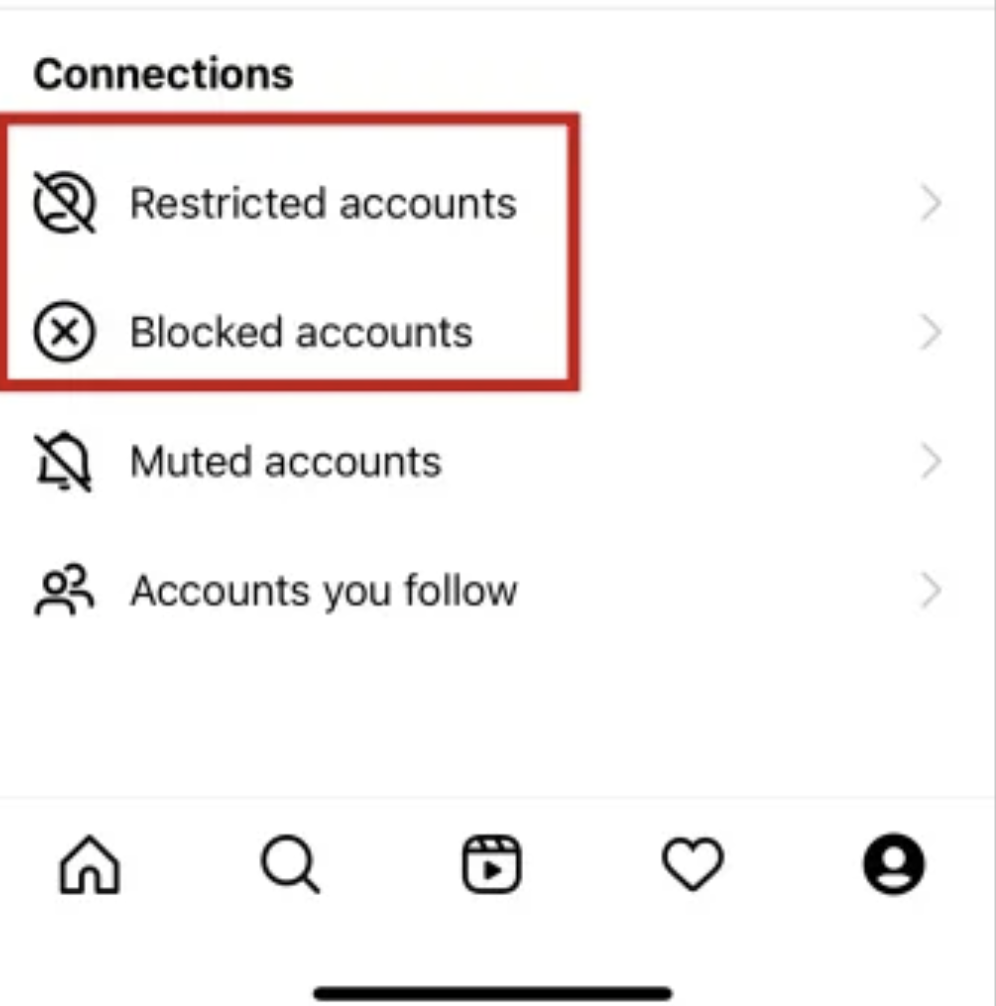
To understand the differences, here’s how restriction compares.
Restrict
- They can see your content.
- Their comments are hidden from others.
- Their messages are filtered.
Block
- They cannot see your profile.
- They cannot message you.
- They cannot find your account.
Remove Follower
- They see content only if your account is public.
- They cannot see Stories on a private account.
Mute
- You stop seeing their posts and Stories.
- They still see everything from you.
Does Restricting Someone Stop Them From Seeing Your Stories?
No. Restriction does not prevent Story viewing.
A restricted user can still:
- View Stories
- Replay Stories
- Screenshot Stories
- Track your posts
- Watch profile changes
If you want to stop someone from seeing Stories entirely, you must hide your Stories from them manually, block them, or use Close Friends.
Can Restricted Users Still See Your Comments and Likes?
Yes. Restricting does not hide your interactions on public accounts.
A restricted user can still see:
- Your comments on public posts
- Your likes on public content
- Your mutual interactions
What if You Want More Privacy Than Restricting Allows?
Restriction limits communication but does not hide your account.
A restricted person can still:
- View Stories
- Check posts
- Monitor Changes
- View Highlights
- Track activity
- View comments
Why Restriction Is Not a Substitute for Private Viewing Tools
Restriction gives control, but not privacy. It does not allow you to:
- Browse anonymously
- View private IG stories invisibly
- Avoid being detected
- Access private accounts
- See private Instagram without following
Where Restriction Falls Short
- Does not hide Stories
- Does not hide posts
- Does not hide activity
- Does not prevent screenshots
- Does not block profile visits
- Does not offer behavior insights
How to View Someone’s Instagram Activity Safely and Privately
Many people want to get a clearer picture of what someone is doing on Instagram without drawing attention to themselves. Understanding how to view someone’s Instagram activity can be challenging because Instagram has removed many of the features that once made this easier. Likes, follows, and comments are no longer displayed in a central feed, which leaves users looking for alternative ways to stay informed.
Some individuals use an Instagram page viewer when they want to browse a profile quietly without interacting. This approach helps when you simply want to check updates without leaving a trace. Others are curious about how to see private Instagram without following when certain posts or Stories are restricted, and standard methods no longer work.
A discreet tool such as a view private Instagram app can offer more privacy because it doesn’t require logging into your own account. These tools are often used by people who want to keep their identity protected while checking profiles that are otherwise not accessible. This is also why some turn to a private story viewer when they want to follow Story activity without appearing in the viewer list.
For those interested in public conversation patterns, an Instagram comment viewer can help them read comment sections without signing in.
Read More: How to View Someone’s Tagged Instagram Photos Anonymously
Verdict
Restricting someone on Instagram can help you control communication, but it offers limited privacy. When you ask what does restricting someone on Instagram do, the answer is that it filters comments, hides read receipts, and manages interactions—but it does not hide your Stories or your activity. Restricted users still see almost everything.
For users who want deeper privacy, many turn to private Instagram viewer apps for safer browsing. These tools allow users to view private IG stories discreetly, explore accounts anonymously.